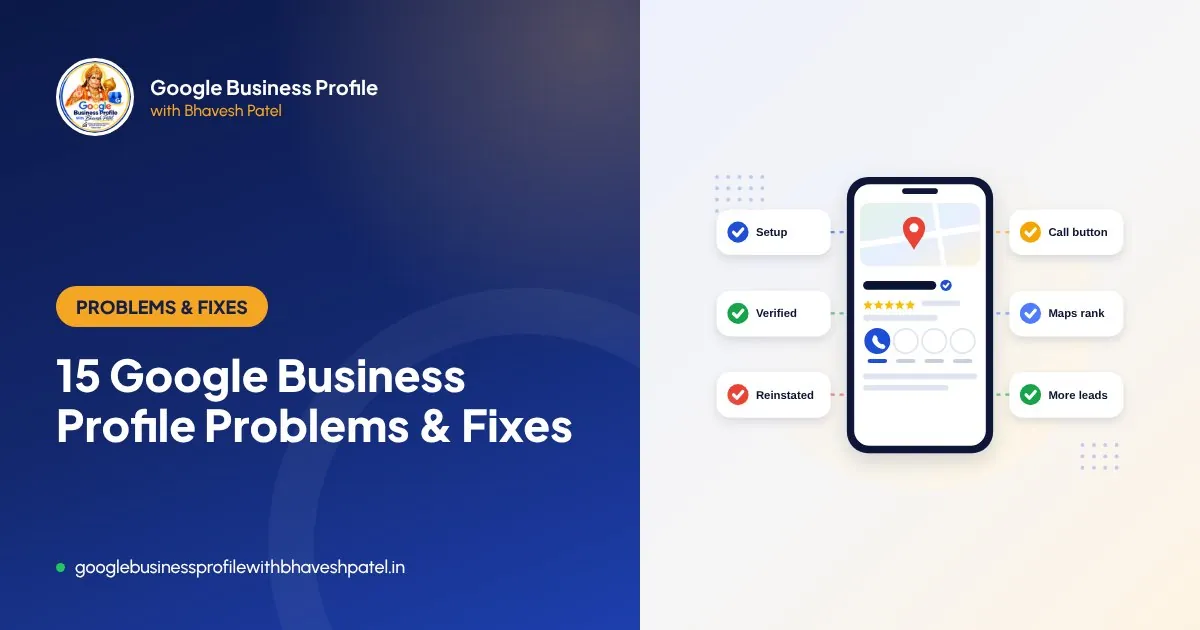
Most Google Business Profile problems fall into six groups: verification, visibility, ownership, reviews, calls and ranking. Find yours below. Each one links to a step-by-step guide you can follow yourself, or to the service where we fix it for you remotely, anywhere in India.
Verification problems
1. Verification video rejected or failed
The video did not show enough proof: the signboard, the location, and that you manage the business. Retrying straight away with the same video usually fails again.
Fix it: Verification guide · Verification help service
2. Verification stuck on “pending”
Google is still reviewing your submission, or it needs more information. Avoid editing the profile while it is pending.
Fix it: What to do while verification is pending
3. Asked to verify again after an edit
Big edits to the name, category or address can send a profile back for verification. Google says that if you move to a new address after verification, you must verify again.
Fix it: Changing your address the right way
Profile suspended, disabled or not showing
4. Profile suspended
Google decided the profile breaks a guideline. A keyword-stuffed name, a virtual office or a mismatch between the profile and real-world details are common causes.
Fix it: What to do when suspended · Reinstatement service
5. Profile disabled
Google uses “suspend” and “disable” side by side. The appeals tool shows which profile is restricted, why, and the policy concerned.
Fix it: Disabled vs suspended explained
6. Business not showing on Google Maps
The profile may be unverified, under review, hidden as a duplicate, or simply ranking below competitors for broad searches.
Fix it: 9 reasons and fixes
7. Two listings for one business
Google allows one profile per business and hides the one it marks as a duplicate.
Fix it: Remove or merge a duplicate
8. Wrong address or you have moved
Edit the address on the existing profile rather than creating a new one, and prepare to verify again.
Fix it: Change your address
Access and ownership problems
9. Lost access, or an ex-employee or agency controls the profile
The profile is owned by a Google account you no longer control. Owners can add you back; if they will not, you can request ownership.
Fix it: How to get access back
10. Someone else has claimed your business
Request access through Google. The current owner gets 3 days to respond.
Fix it: Request ownership step by step
Review problems
11. Reviews missing or not showing
Google removes reviews that break its policies, and new reviews can take a few days to appear while they are checked.
Fix it: Why reviews go missing
12. Fake or abusive reviews
Report reviews that break Google’s policies. Google decides whether they are removed, so reply calmly and professionally in the meantime.
Fix it: Reporting reviews · Review management
13. Too few reviews
Ask every happy customer, every time, with a direct review link, and never pay for or fake reviews.
Fix it: Get more reviews safely
Calls and ranking problems
14. Call button not showing
Usually a phone number, verification, pending edit or settings issue. Customers on mobile then call the next business instead.
Fix it: Call button fix service
15. Competitors rank above you
Google says local results are mainly based on relevance, distance and popularity, and that you cannot pay for a better local ranking.
Fix it: 15 ways to rank higher · Local SEO service
Before you fix anything
- Take screenshots of the profile, the dashboard and any email from Google.
- Check which Google account manages the profile.
- Do not create a new profile to “start fresh”. It usually becomes a duplicate and makes things worse.
- Make one careful change at a time and give Google time to review it. Google says edits can take up to three days to appear.
Sources
- Google: Fix suspended or disabled profiles
- Google: Find your business on Google
- Google: Request ownership of a Business Profile
- Google: Tips to improve your local ranking
Frequently asked questions
Please note: Google updates Business Profile features and policies regularly. This guide reflects Google’s help pages and our experience as of 10 November 2026. Always check the official Google Business Profile Help Centre for the latest rules.
About the author: Bhavesh Patel
Google Business Profile and Google Maps expert based in Ahmedabad, Gujarat, helping businesses across India get verified, reinstated and found since 2007. More about Bhavesh