+91 94286 19894

ICB Island, Chandlodia, Ahmedabad 382481, Gujarat, India

Google Business Profile Verification Help: Video, Failed & Pending

Verification failed, stuck on “pending”, or asked to verify again after an edit? Get expert guidance to prepare correctly for the method Google offers and fix the issues that cause rejection.

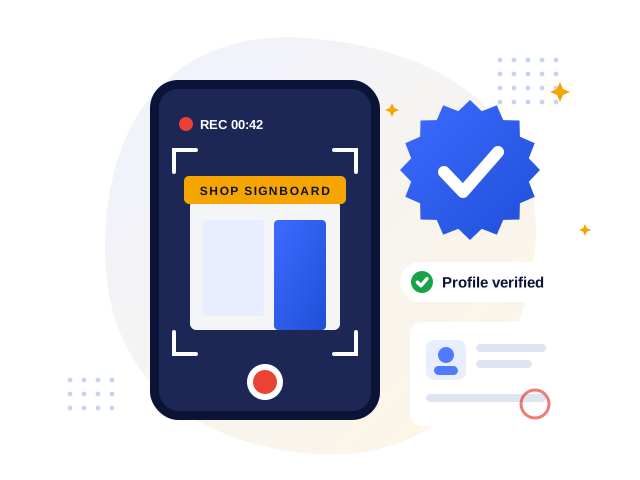
Google Business Profile verification help illustration showing a verification video and verified badge

Why verification matters

Until your profile is verified, you cannot fully manage it, and in many cases it will not appear properly on Google Search and Maps. Verification is Google’s way of confirming that your business is real, operates where it says it does, and that you are authorised to manage it.

In recent years Google has made verification much stricter. Many businesses are now asked to record a verification video, and small mistakes, such as not showing your signboard or proof that you manage the business, lead to rejection. Repeated failed attempts are frustrating and can delay your listing by weeks.

Verification methods you may see

Google decides which methods are available for each profile. Depending on your category, location and history, you may be offered one or more of these:

  • Video recording: a short, continuous video showing your location, signage and proof of management
  • Phone call or SMS: a code sent to your business phone number
  • Email: a code sent to a business email address
  • Live video call: a call with a Google support representative
  • Postcard: a code posted to your business address (now less common)

We help you check that your profile details match reality before you start, then prepare a clear plan for whichever method appears.

Most common reasons verification fails

  • The address on the profile does not match the location shown in the video
  • No permanent signboard or business branding visible
  • No proof of management, such as unlocking the shop, business documents or equipment
  • The business name on the profile includes extra words not on your signage
  • The video is cut, too short, too dark or filmed only indoors
  • Wrong business type (storefront vs service-area) for how you operate

Honest note: We prepare you thoroughly and fix known causes of failure, but Google alone decides which verification methods are offered and whether a profile is verified.

Common situations

We can help when your profile shows…

  • “Verification failed” or “We couldn’t verify your business”
  • “Verification pending” or “under review” for a long time
  • A request to verify again after you edited your name, address or category
  • No verification method available, or only one you cannot complete
  • Video verification rejected more than once
  • Profile verified but key details are still not showing publicly
What’s included

Complete verification support

Readiness check

We compare your profile name, address, category and phone with your signage, documents and website.

Video verification plan

A clear shot-by-shot plan of what to show: street, signboard, entrance, interior, tools and proof of management.

Document guidance

Which business documents usually help, and how to present them clearly.

Failed attempt fixes

Diagnosis of why the previous attempt failed and what to change before trying again.

Re-verification help

Guidance when edits to important details trigger a new verification request.

Support escalation

Help with contacting Google Business Profile support with the right information when needed.

Process

How it works

01

Share status

Send a screenshot of the verification screen and your Maps link.

02

Diagnose

We review details and find what may be blocking verification.

03

Prepare

You get a clear checklist or video plan for your method.

04

Verify & confirm

Complete verification and check the profile appears correctly.

FAQ

Google Business Profile Verification Help FAQs

Clear answers about Google Business Profile verification, suspensions, the Call button and Google Maps ranking.

Ask on WhatsApp

More answers on our full FAQ page

Generally, a continuous video that shows your location (street sign or nearby businesses), your permanent signboard or branding, and proof that you manage the business, such as unlocking the door, accessing staff areas, equipment or business documents. We give you a specific plan for your type of business.

Videos and some other methods are reviewed manually, which can take from a few hours to several business days. If it takes much longer, there may be an issue with the submission or profile details that needs checking.

Yes, if it is a genuine business that serves customers. Many home-based businesses are set up as service-area businesses with the address hidden. You will still need to show proof of the business during verification.

Changes to important details like the business name, address or category can trigger re-verification so Google can confirm the new information. Planning edits carefully helps avoid unnecessary re-verification.
Free first review

Stuck on verification? Let’s get it done right

Send a screenshot of your verification screen on WhatsApp for a quick diagnosis.

Our Services

Related services

Call Now WhatsApp