Why the Call button matters so much
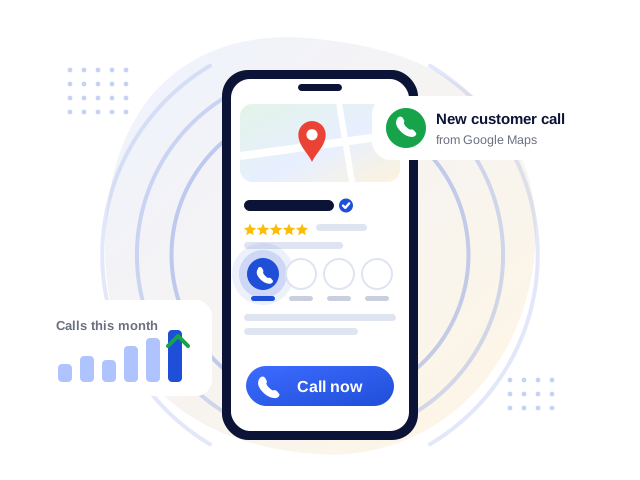
Most local searches happen on mobile, and for many businesses the Call button is the single most valuable action on the profile. A missing Call button usually means fewer enquiries, often without the business owner noticing until it is pointed out by a customer.
Common reasons the Call button is missing
- No phone number, or the number was entered in the wrong field
- Number format problems, such as missing country code, extra characters or two numbers in one field
- An edit under review: a recent change to the number has not yet been approved
- Verification or suspension issues that limit what the profile shows publicly
- A number that conflicts with another listing or appears on many unrelated listings
- Device or view differences: the button may appear differently on mobile, desktop and the Maps app
We check each possibility in a logical order, so you fix the real cause rather than repeatedly editing the number, which can itself trigger reviews and delays.
More ways for customers to reach you
Alongside the Call button, we review your other contact options, such as your website link, WhatsApp link, appointment or booking links, so customers always have a clear way to contact you.
Honest note: Some profile features are controlled by Google and can vary by region, category and device. We fix what can be fixed on the profile and explain clearly when something depends on Google.