
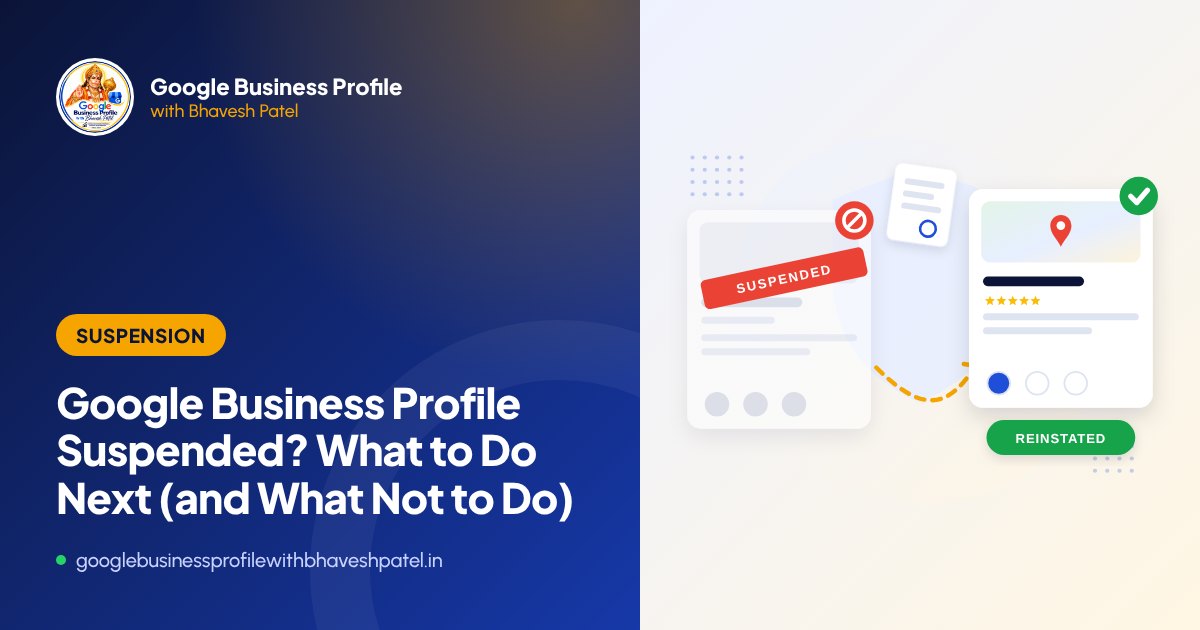
Few things worry a business owner more than discovering that their Google Business Profile has been suspended. Calls stop, the listing may disappear from Google Maps, and reviews built over years seem to vanish. The first instinct is often to rush an appeal or create a new listing. Both can make things worse.
This guide explains, calmly and step by step, what a suspension means and how to respond.
Step 1: Confirm what has happened
Sign in to the Google account that manages the profile and search for your business name on Google, or open your profile in Google Maps. Look for a message that says the profile is suspended, and check your email for any notice from Google. Take screenshots of everything you see. You will need them.
Also check whether the problem is something else. A profile that is unverified, has a pending edit, or was marked as closed through a suggested edit can look similar from the outside but needs a different fix.
Step 2: Don’t make these mistakes
- Do not create a new profile for the same business. Duplicate listings break the guidelines and can lead to further suspensions.
- Do not make lots of random edits hoping something works. Each change can create more confusion.
- Do not rush the appeal before fixing the cause. A rejected appeal makes the next one harder.
- Do not pay anyone who “guarantees” reinstatement or claims to have special access at Google. No one does.
Step 3: Find the likely cause
Google does not always say exactly why a profile was suspended, so you need to review the profile against the Google Business Profile guidelines. These are the most common causes we see:
Business name problems
Your profile name must match your real-world name as it appears on your signboard, website and documents. Adding keywords, locations or taglines, such as “Sharma Dental Clinic – Best Dentist in Ahmedabad”, is one of the most frequent triggers.
Address problems
Virtual offices, co-working desks, PO boxes and addresses where you do not actually serve customers are not allowed. If you visit customers rather than having them visit you, you should usually be a service-area business with the address hidden.
Duplicate or multiple listings
Two profiles for the same business at the same location, or profiles for “departments” that are not really separate, often cause trouble.
Category, website and phone issues
Categories that do not match the business, or a website or phone number that belongs to another company, a directory or a lead-generation service, can raise flags.
Sudden changes
Changing the name, address and category at once, or many managers editing the profile, can trigger automated review. Some suspensions also happen with no clear violation. These still need a careful, well-documented appeal.
Step 4: Fix the profile
Once you have identified likely causes, correct them before appealing. That may mean removing keywords from the name, switching to a service-area setup, correcting the category, or updating the website and phone number. Fix what is wrong, and only what is wrong.
Step 5: Collect your evidence
Google’s reinstatement process often asks for supporting evidence. Prepare clear, readable files that prove your business name and address, for example:
- GST registration certificate or shop and establishment licence
- Recent utility bill or rental agreement for the business address
- Photos of your permanent signboard, storefront and interior
- A website and business email that match the profile details
Make sure the name and address on your documents match the profile exactly. Mismatches are a common reason appeals are rejected.
Step 6: Submit the appeal and wait
Submit your appeal through Google’s official Business Profile reinstatement or appeals process, following the on-screen steps and uploading your evidence. Then be patient. Reviews can take from a few days to several weeks. Avoid editing the profile while the appeal is under review.
What if the appeal is rejected?
A rejection is not always the end. Often it means the underlying issue was not fully fixed or the evidence was not strong enough. Review the decision carefully, check the profile again against the guidelines and decide whether a further appeal is appropriate. This is where an experienced second opinion is especially valuable.
How to avoid suspensions in future
- Keep your business name identical to your signboard
- Use only an address where you genuinely serve customers or hide it if you are service-area
- Plan edits carefully and avoid many changes at once
- Limit managers to people you trust
- Never buy reviews or use review-exchange groups
If your profile is suspended now, our suspension reinstatement service can help you diagnose the cause and prepare a strong appeal.
Frequently asked questions
Please note: Google updates Business Profile features and policies regularly. This guide reflects our experience as of 10 October 2026. Always check the official Google Business Profile Help Centre for the latest rules.

About the author: Bhavesh Patel
Google Business Profile and Google Maps expert based in Ahmedabad, helping local businesses get verified, reinstated and found since 2007. More about Bhavesh